> ## Documentation Index
> Fetch the complete documentation index at: https://library.micro1.ai/llms.txt
> Use this file to discover all available pages before exploring further.
# Hubstaff
This is the app we will be using to track your working time. ([https://app.hubstaff.com/](https://app.hubstaff.com/))
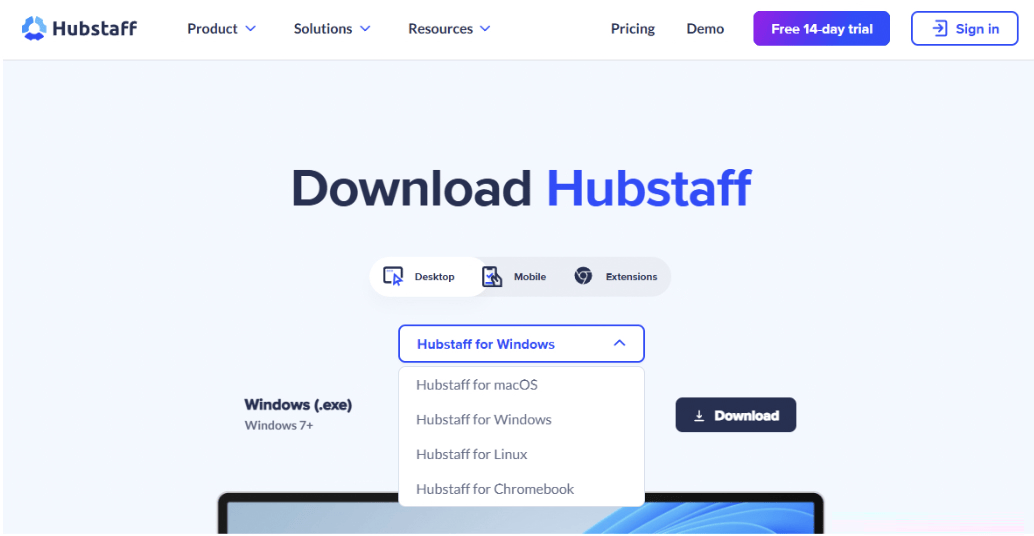
* Once you create your Hubstaff account through our **email invitation**, download the **desktop app**.
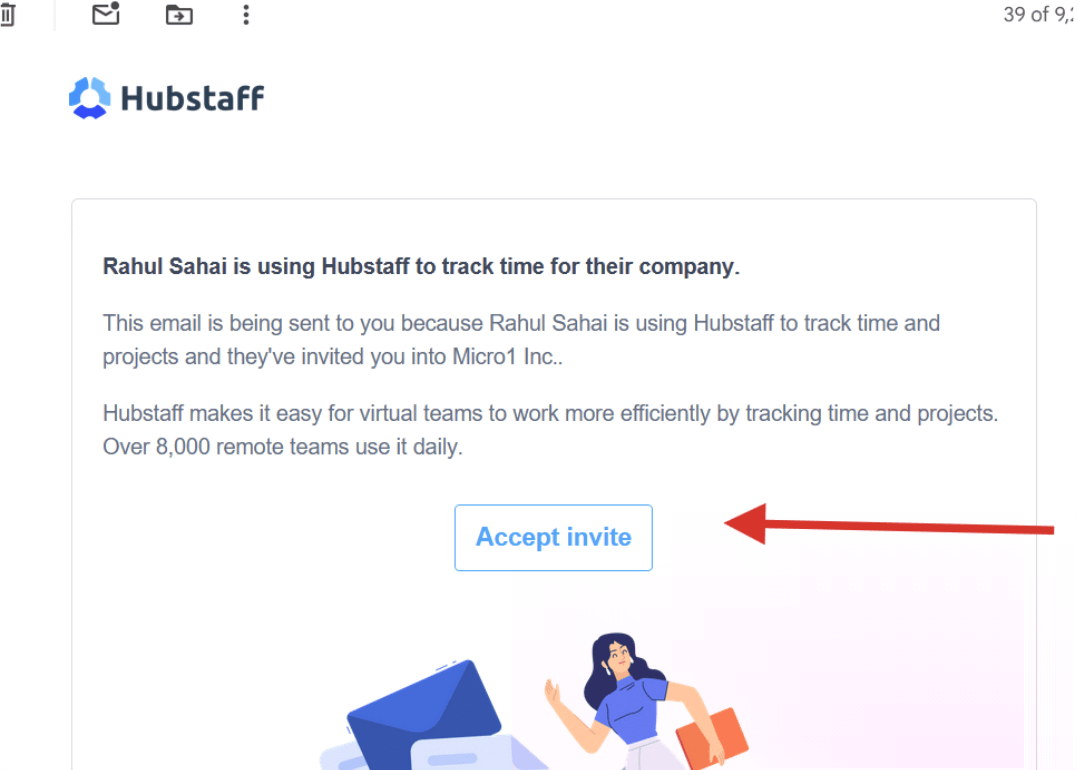
 * Click on the invite link and make sure the email shown in the Signup is your **personal email!**
 * After downloading the app, confirm that the Hubstaff pipeline is available for you to select (it will display the name of the pipeline you are on).
* When you begin working on tasks, you can track your time by selecting the pipeline and clicking on the play button.
* You **do not** have to create any to-dos.
* After downloading the app, confirm that the Hubstaff pipeline is available for you to select (it will display the name of the pipeline you are on).
* When you begin working on tasks, you can track your time by selecting the pipeline and clicking on the play button.
* You **do not** have to create any to-dos.