

Steps:
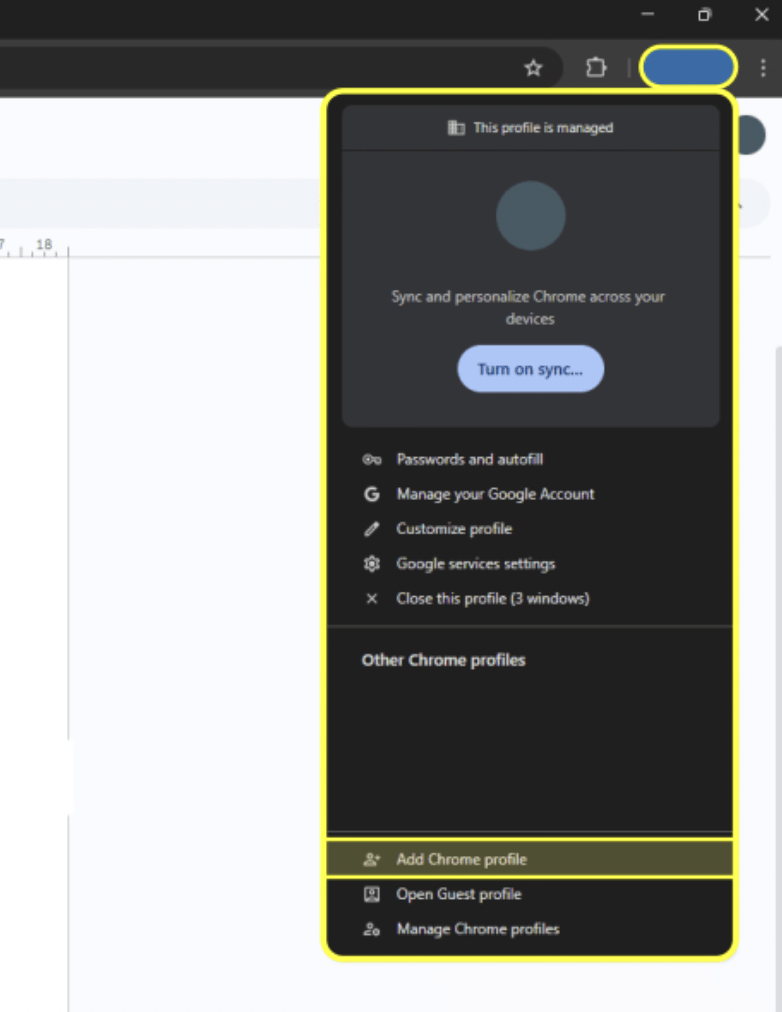
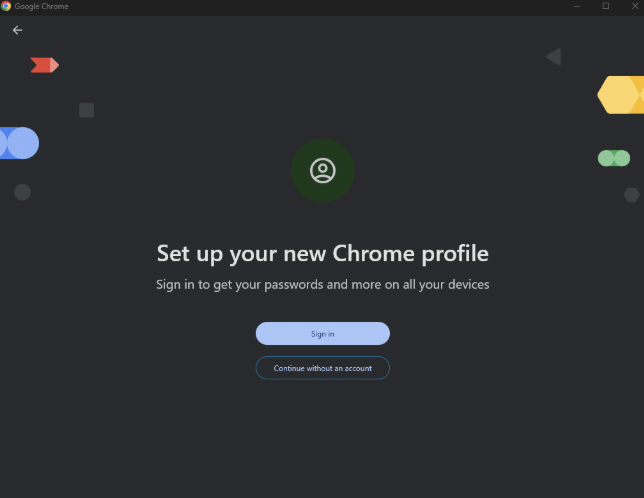
- Create a Chrome profile – Set up a new Chrome profile and sign in using your Micro1 email credentials
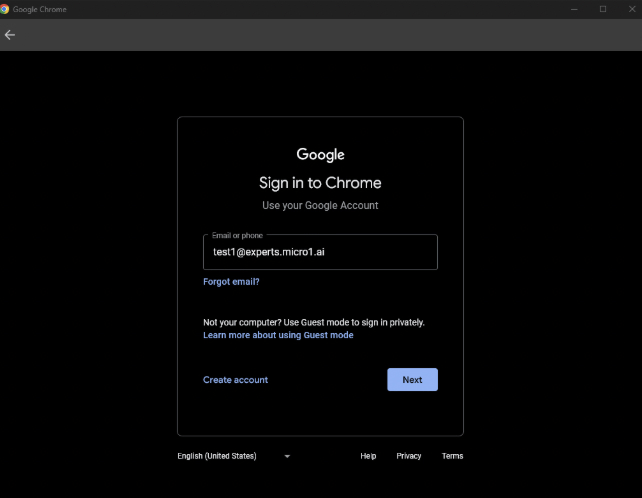
- Log in – Enter the micro1 email and the password provided to you.
- Update your password – You will most likely be prompted to update your password. When you do, save the updated credentials in a secure place.
- Access pipeline resources – With this profile, you will have permission to access all pipeline resources tied to your micro1 account.
- Check your email – You can access your micro1 inbox through Gmail as usual.
We’ve introduced 2-step verification (2FA) for expert email accounts to improve security. If you have an expert email and are not sure how to set up 2FA, please follow this guide!
If you run into any issues while setting it up, please reach out to your leads.
If you run into any issues while setting it up, please reach out to your leads.