Direct messages
DMs are private messages between you and one other person. You can also create direct message groups with up to 9 people (including yourself). You can use them for personal questions or personal conversations that don’t belong in the main channel.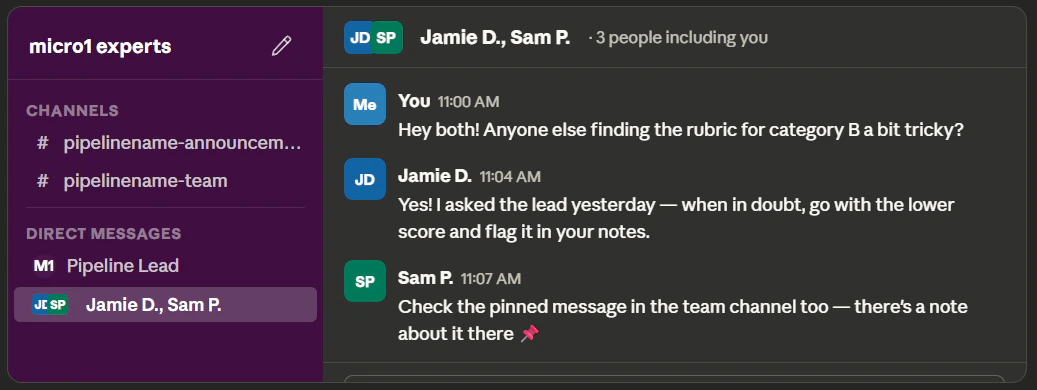
- DMs can become hard to manage at scale.
- Always ask questions in the main channel whenever possible so others can benefit from the answer!
Using threads (very important)
Threads are replies that are attached to a specific message. Always use threads instead of posting a new message. This will keep the channel clean and easy to follow To reply to a thread, hover over a message and click Reply in Thread. Then a panel will open on the right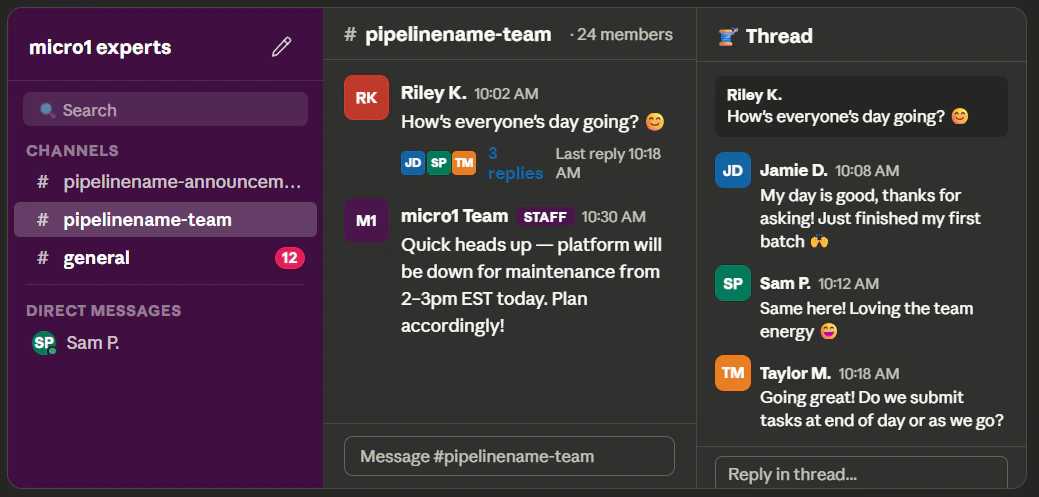
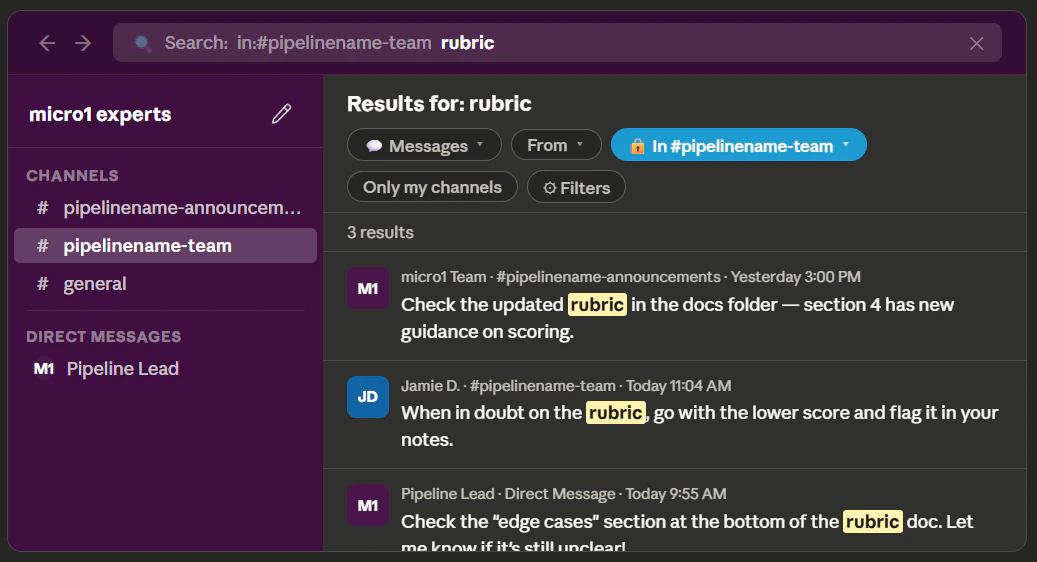
Search before asking
Before asking questions, use Control or Command-F to search the Slack channel or pipeline documentation for related keywords! Most of the time many common questions have already been answered.